Skip to content
MCPBytes

3D Models

Describe it.Play it.

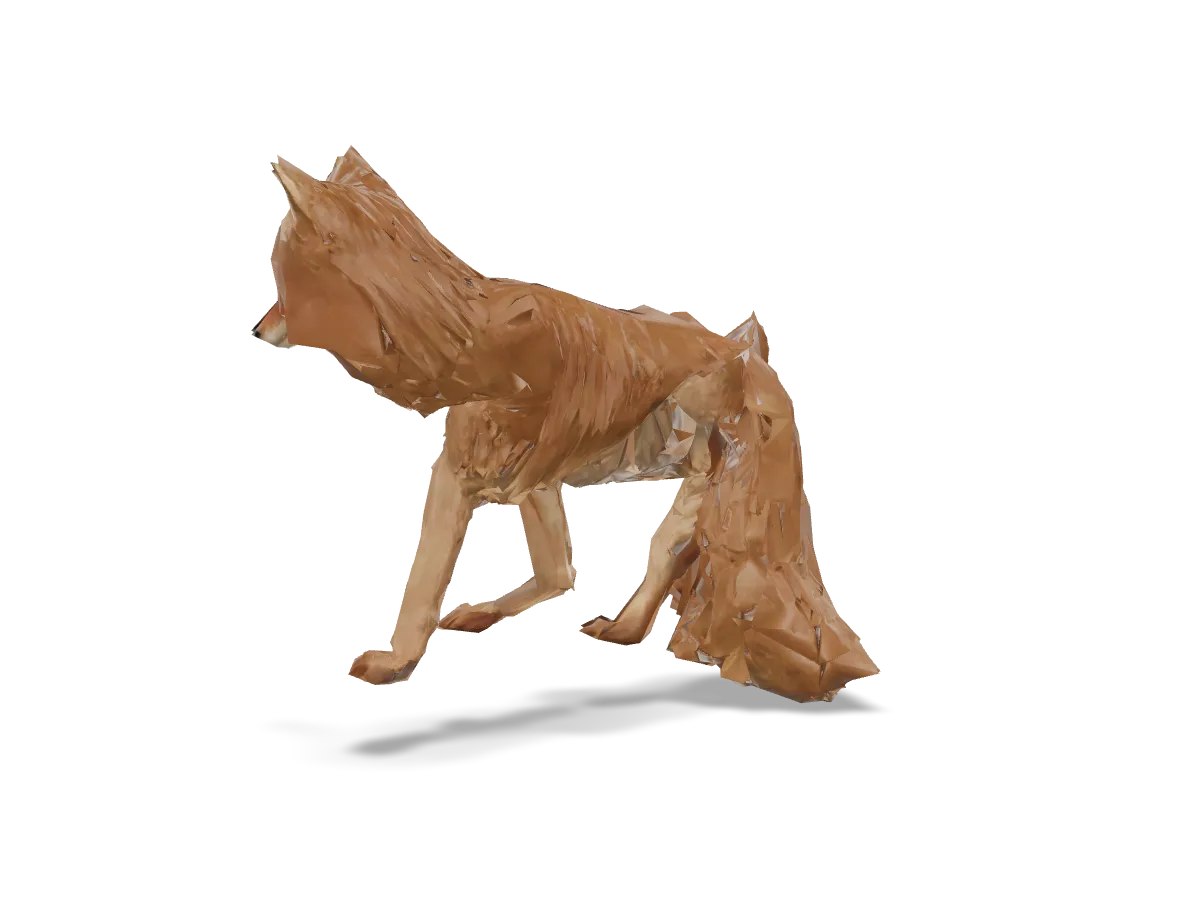
Describe a character or a four-legged animal and get it back modeled, rigged and animated: idle, walk, run, jump and more, in one file.

250 credits per job · 300 free credits to start

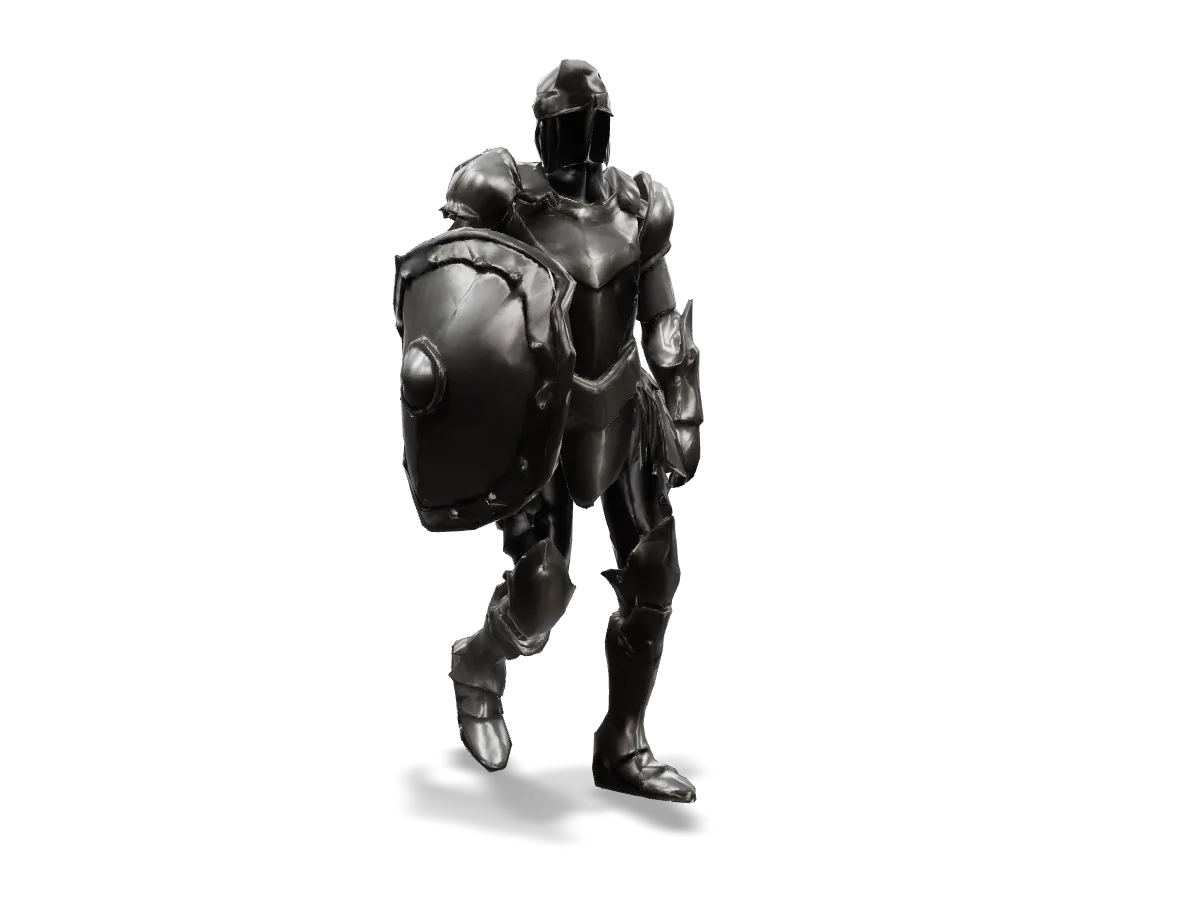
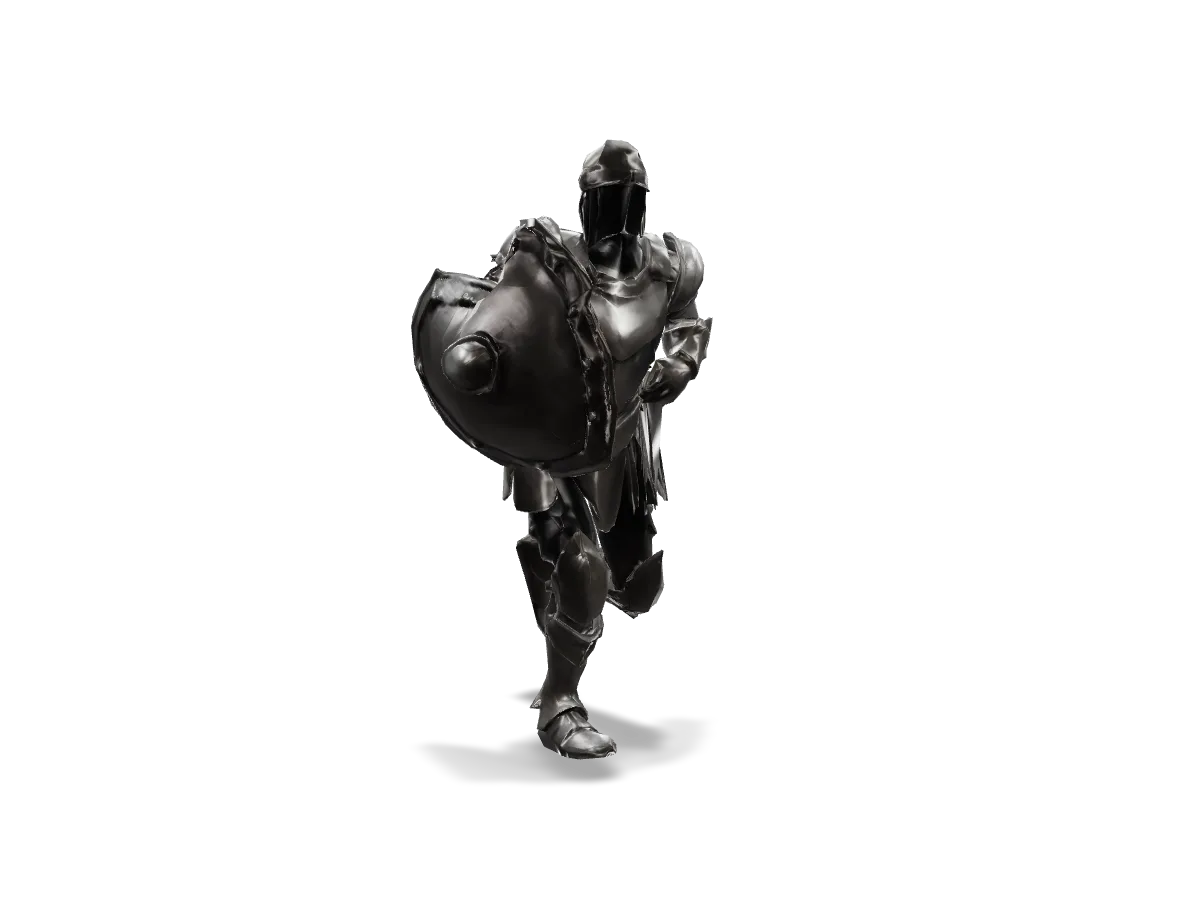
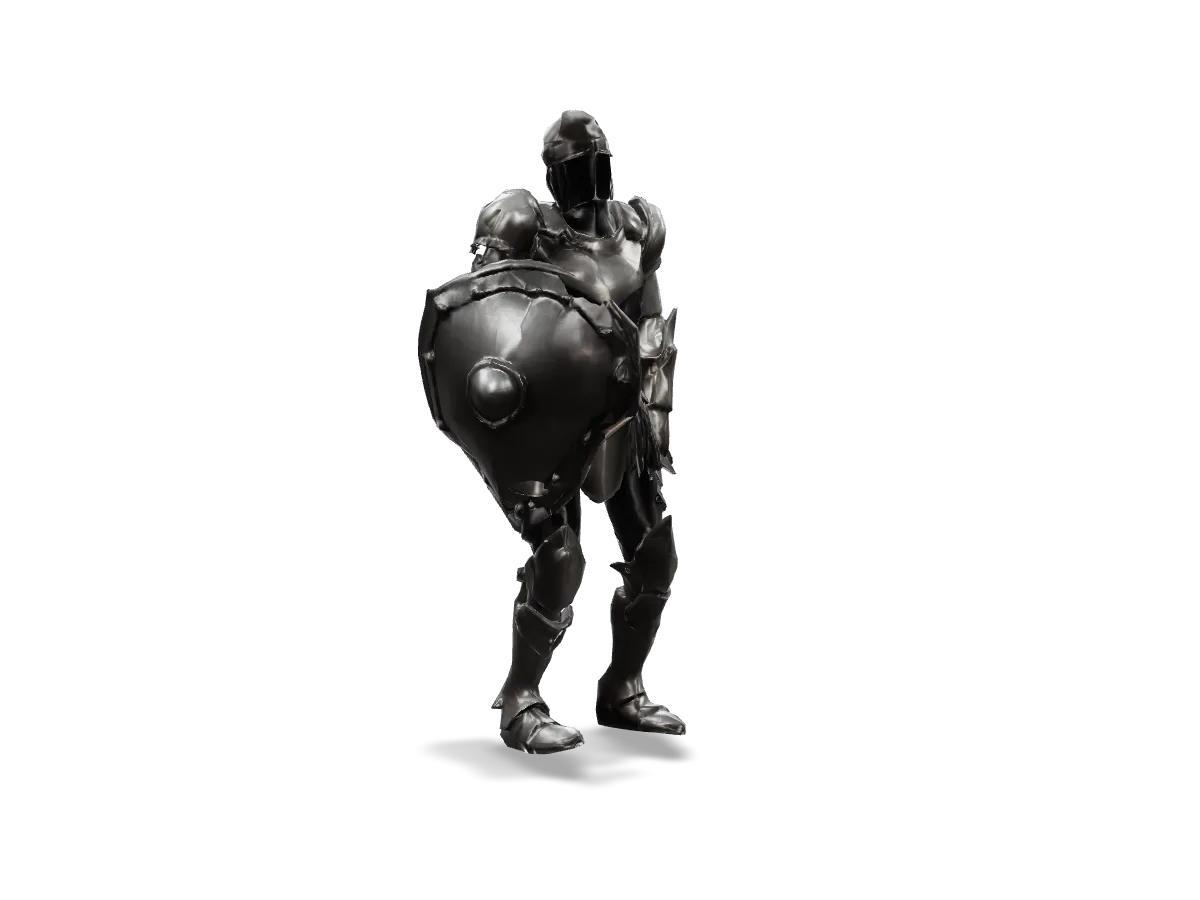
Interactive 3D model of an armored knight with a round shield walking in place
“a stylized knight with a round shield on his back”: the walk, one of eight clips in the same file. Drag to turn it; the page plays a web copy (Draco geometry, WebP textures) of the job's model.glb.

One job, not five.

The picture, the model, the triangle budget, the skeleton and the animations are made in one job, for one price.

Ready for the engine.

One file with every clip named, looping where it should and on the spot. A humanoid's bones carry the Mixamo names animation tools expect.

Checked, not trusted.

Every clip is measured for sliding feet, the floor and sudden turns, the skin is bend-tested, and pictures show both.

Pricing

Pay by the job.

250 credits per job. A job that fails costs nothing.

Pricing details

Start free

Available now

300free credits when you sign up

  • Every MCPBytes tool, one credit balance
  • Sign in with GitHub or email, no card required
  • Each tool states its price before you run it
  • Failed API jobs cost nothing

Price per job

Create a game asset

Per job
250 credits

Limits

Model
1,000 to 100,000 triangles
Bodies
Humanoids and four-legged animals; props, vehicles, birds and winged creatures are refunded

Limits by account

Jobs per 24 hours
Free3
Pay as you go20
Monthly bundle100
Jobs at once
Free3 jobs
Pay as you go5 jobs
Monthly bundle8 jobs
Results kept
Free1 day
Pay as you go7 days
Monthly bundle30 days

Free until your first purchase; any credit pack moves you to Pay as you go; a monthly bundle while it lasts. GPU tools like this one run up to 5 of your jobs at a time; the rest wait their turn. Compare accounts

API

Your agent or your code.

Connect your agent and it can use this tool right away, or call it from your own code. One key works for both.

Start a job

Send the required parameters as JSON. Options such as description go in the options object.

Requestcreate.sh
# idempotency_key is required: repeating it returns the same job
curl https://api.mcpbytes.com/v1/tools/create_game_asset/jobs \
  -H "Authorization: Bearer $MCPBYTES_API_KEY" \
  -H "Content-Type: application/json" \
  -d '{
    "options": {
      "description": "a stylized knight with a round shield on his back",
      "seed": 42
    },
    "idempotency_key": "game-asset-example-001"
  }'
Response202 Accepted · trimmed
{
  "tool": "create_game_asset",
  "status": "queued",
  "input_kind": "parameters",
  "workflow": {
    "stage": "Generating visuals",
    "deadline": "2026-09-29T04:53:33.061Z",
    "cancel_pending": false,
    "refund_pending": false
  },
  "capabilities": {
    "can_cancel": true
  },
  "options": {
    "description": "a stylized knight with a round shield on his back",
    "target_faces": 20000,
    "texture_resolution": 2048,
    "body": "auto",
    "in_place": true,
    "seed": 42
  },
  "result": null
}

Get the result

Poll until the status is final. Download files only after success.

Requestread.sh
# JOB_ID is the id from the create response; poll until status is final
curl "https://api.mcpbytes.com/v1/jobs/$JOB_ID" \
  -H "Authorization: Bearer $MCPBYTES_API_KEY"

# Once status is succeeded, download each file from result.files[].url
curl -fsSLo model.glb "$MODEL_URL"
Response200 OK · trimmed
{
  "tool": "create_game_asset",
  "status": "succeeded",
  "result": {
    "notes": [],
    "body": "humanoid",
    "faces": 20000,
    "bone_count": 34,
    "clips": [
      {
        "name": "idle",
        "status": "passed"
      },
      {
        "name": "walk",
        "status": "passed"
      },
      {
        "name": "run",
        "status": "passed"
      },
      {
        "name": "jump",
        "status": "passed"
      },
      {
        "name": "attack",
        "status": "passed"
      },
      {
        "name": "hit",
        "status": "passed"
      },
      {
        "name": "wave",
        "status": "passed"
      },
      {
        "name": "death",
        "status": "passed"
      }
    ],
    "status": "failed_checks",
    "issues": [
      {
        "type": "stretch",
        "bone": "mixamorig:LeftShoulder",
        "value": 7.8137,
        "threshold": 2,
        "severity": 0.977,
        "axis": "b",
        "degrees": -45
      }
    ],
    "files": [
      {
        "name": "rig_report.json",
        "bytes": 6443,
        "content_type": "application/json",
        "url": "https://api.mcpbytes.com/blob/dl/…"
      },
      {
        "name": "model.glb",
        "bytes": 3755956,
        "content_type": "model/gltf-binary",
        "url": "https://api.mcpbytes.com/blob/dl/…"
      },
      {
        "name": "motion_report.json",
        "bytes": 5969,
        "content_type": "application/json",
        "url": "https://api.mcpbytes.com/blob/dl/…"
      },
      {
        "name": "motion_preview.png",
        "bytes": 330696,
        "content_type": "image/png",
        "url": "https://api.mcpbytes.com/blob/dl/…"
      }
    ]
  },
  "compute_ms": 492225,
  "credits_charged": 250
}

MCP

Connect once. Your agent calls create_game_asset and gets the download URLs back. This endpoint has only this tool's family, which keeps your agent's tool list short; one endpoint has every tool.

Claude Code

The first form signs in through the browser when you run /mcp. In .mcp.json (project root), ${MCPBYTES_API_KEY} is read from the environment when Claude Code connects. Claude Code docs

claude mcp add --transport http mcpbytes \
  https://api.mcpbytes.com/mcp/3d
Codex (CLI, IDE extension, ChatGPT desktop)

Codex reads the key from the environment variable each time it connects. The same table can go in ~/.codex/config.toml by hand; codex mcp add has no --header flag. Codex docs

codex mcp add mcpbytes --url https://api.mcpbytes.com/mcp/3d \
  --bearer-token-env-var MCPBYTES_API_KEY
Cursor

~/.cursor/mcp.json (all projects) or .cursor/mcp.json (one project). Remote servers take no "type". Without the header, the client signs you in with GitHub or an email link (OAuth). Cursor docs

~/.cursor/mcp.json
{
  "mcpServers": {
    "mcpbytes": {
      "url": "https://api.mcpbytes.com/mcp/3d",
      "headers": {
        "Authorization": "Bearer ${env:MCPBYTES_API_KEY}"
      }
    }
  }
}
11 more clients in the docs →
MCP tools
create_game_asset
Creates a game-ready animated character from a description: a textured 3D model, rebuilt at your triangle budget (1,000 to 100,000) with new textures, rigged, and animated with a standard set of clips in one GLB. Humanoids (people and humanoid characters) get idle, walk, run, jump, attack, hit, wave and death; four-legged animals get idle, walk, run, jump, attack and death. idle, walk and run loop; clips play in place unless in_place is false. Humanoid bones carry Mixamo names (mixamorig:Hips…). Returns model.glb (rigged and animated, uncompressed, textures embedded), reference.png, rig.json, rig_report.json, rig_preview.png, motion.json, motion_report.json (checks per clip), motion_preview.png and generation.json. Other bodies (props, vehicles, birds, winged creatures) are not supported: such a job fails and is refunded. For another motion, pass model.glb to animate_3d_model with keep_animations. This is an asynchronous job of several minutes, longer when workers start cold; use get_job to follow progress. A failed job is refunded. Costs 250 credits per job. Requires idempotency_key; retain it when retrying the same request.
create_upload
Returns a one-hour URL to PUT a local file to; then call the tool with the upload_id.
get_job
Status and results of a job; waits up to wait_seconds for it to finish.
cancel_job
Cancel a queued job or a workflow whose can_cancel is true; repeated calls never delete results.
list_jobs
Your most recent jobs, newest first.
read_job_file
Reads a text output (.txt .json .md .csv) of a succeeded job in chunks.
Full reference: inputs, options, outputs, limits and errors

Your first jobs are on us.

Start with 300 free credits. Sign in with GitHub or email and try a tool in your browser. No card required.